Game Info
↑ Back to top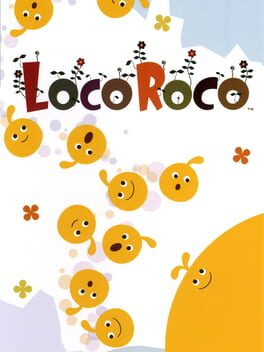

LocoRoco
Series:
Genres:
Themes:
Perspectives:
Game Modes:
Overview
↑ Back to topDescription from IGDB IGDB
Wikipedia Description WIKIPEDIA
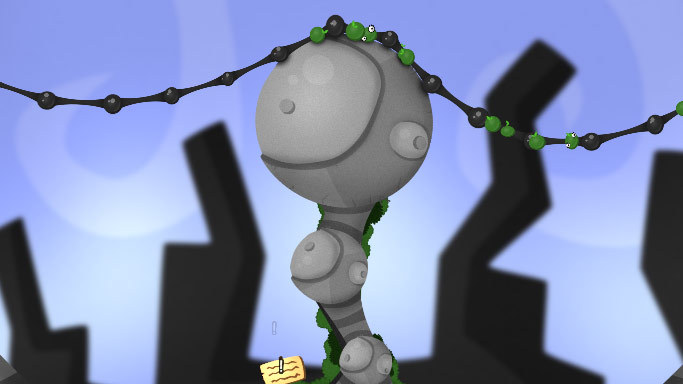
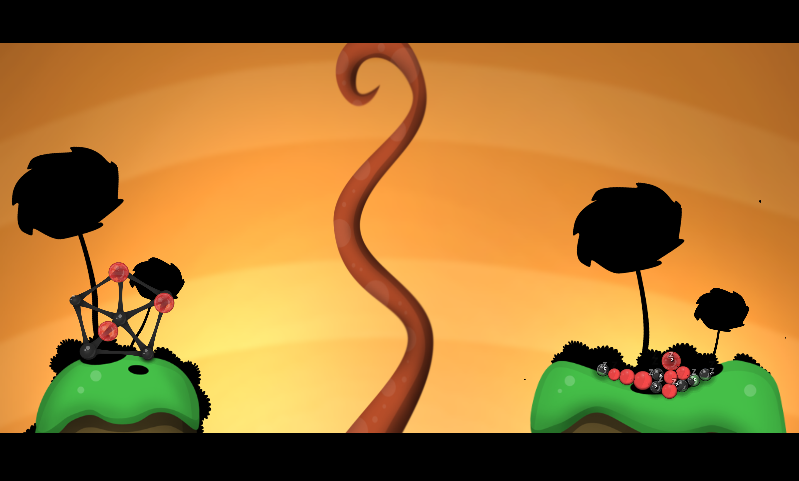
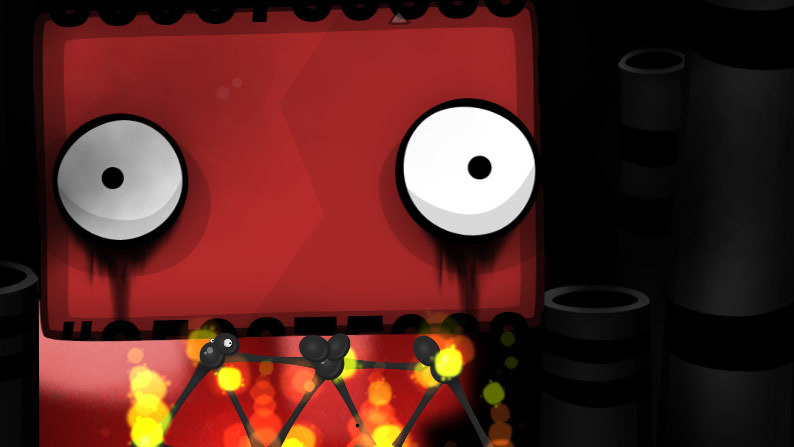
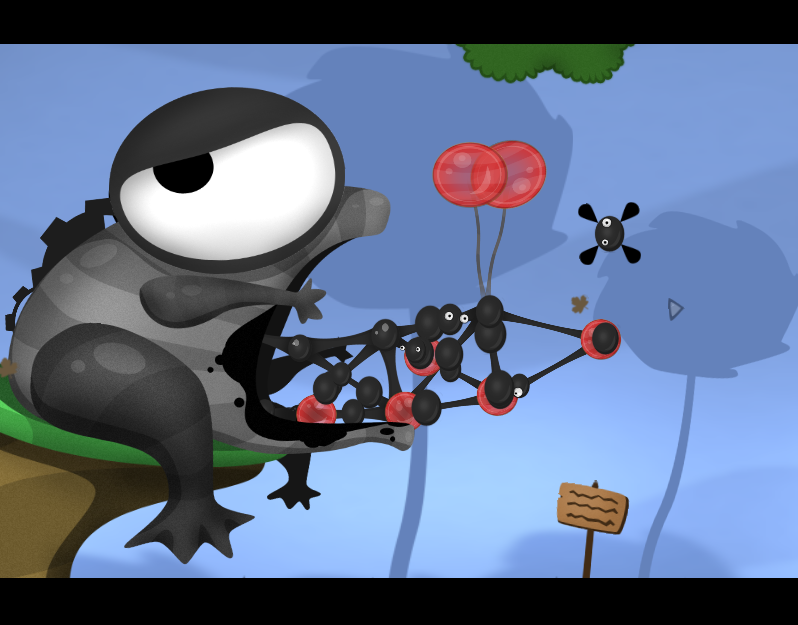
LocoRoco is divided into 5 worlds each consisting of 8 levels. In each level, the goal is to reach the end point of the level, with the player scored on the number of LocoRoco found, the time to complete the level, and other factors. There are six varieties of LocoRoco in the game, identified by their color, appearance, and musical voice, but outside of the first "Yellow" one, the rest are unlocked as the player completes the level. The player can then opt which LocoRoco they want to use for a level, however, this selection has no fundamental gameplay effects and only changes the songs used. LocoRoco act as blobs of gelatin, deforming from their normally round shape when demanded by the environment. Certain beings in the world can change the default shape of the LocoRoco into other forms, such as squares or triangles, which lasts until the end of the level or they encounter another similar being. The player starts with a single LocoRoco. When this LocoRoco eats a berry, it grows by one, up to a maximum size of twenty. The single large LocoRoco may be split into individual beings by tapping a face button or through specific points on the level, while individual LocoRoco can merge back into a single being by holding down a face button. Manipulation of the LocoRoco in this manner may be necessary to guide them to the finish; while the single large LocoRoco is easier to control, small passages can only be navigated by individual LocoRoco. The player can lose LocoRoco if they are touched by harmful objects or they run into the Moja, and the player will have to restart the level if they lose all their LocoRoco. The player does not otherwise directly control the LocoRoco, but instead controls the planet itself, tilting the planet using the shoulder buttons. This causes the LocoRoco to roll in the direction of tilt, as well as causing certain mechanical objects such as platforms to also tilt. The player can also cause the LocoRoco to jump by holding and releasing both shoulder buttons; this not only allows the LocoRoco a way to cross gaps, but to burst through walls as well as harm the Moja without taking damage. As the player collects more Loco Roco in a level, the music gains more voices, each Loco Roco singing a part in the overall song. Throughout the levels are areas that require a minimum number of LocoRoco in order to cause them to sing and wake up one of the planet's odd residents, who will then reward the player with an item for their "Loco House". There are also hidden Mui Mui throughout the levels to be found. Levels also contain "Pickories" which can be collected by the LocoRoco and are used as a form of currency to play two mini-games outside of the main game. The mini-games are "Mui Mui Crane", a variation of a crane game, and "Chuppa Chuppa" that use Chuppa, bird-like launchers for the LocoRoco, to navigate a long course. Both mini-games grant additional Loco House parts and Pickories as prizes. The player can use the accumulated Loco House parts to create a course that the Loco Roco will automatically navigate, with additional parts that can be collected by directing the course appropriately. A Loco Editor is also an unlockable feature in the game, creating an interactive course with a start and finish using the Loco House parts.
About LocoRoco
LocoRoco is a Platform, Puzzle, Strategy game released in 2006 developed by SCE Japan Studio that offers Single player gameplay from a side view perspective playable on Legacy Mobile Device, PlayStation Portable with 60 user ratings averaging 81.7/100. The game explores themes like Comedy. If you enjoy LocoRoco, you might also like similar games in our database of 45,000+ titles.
Basic Info
Details
↑ Back to topAdditional Information
Платформы 2
Genres 3
Themes 1
Player Perspectives 1
Game Modes 1
Companies
↑ Back to topDevelopers
SCE Japan Studio
No description available
Publishers
Sony Computer Entertainment
No description available
Keywords
↑ Back to topScreenshots
↑ Back to top
Similar Games
↑ Back to top
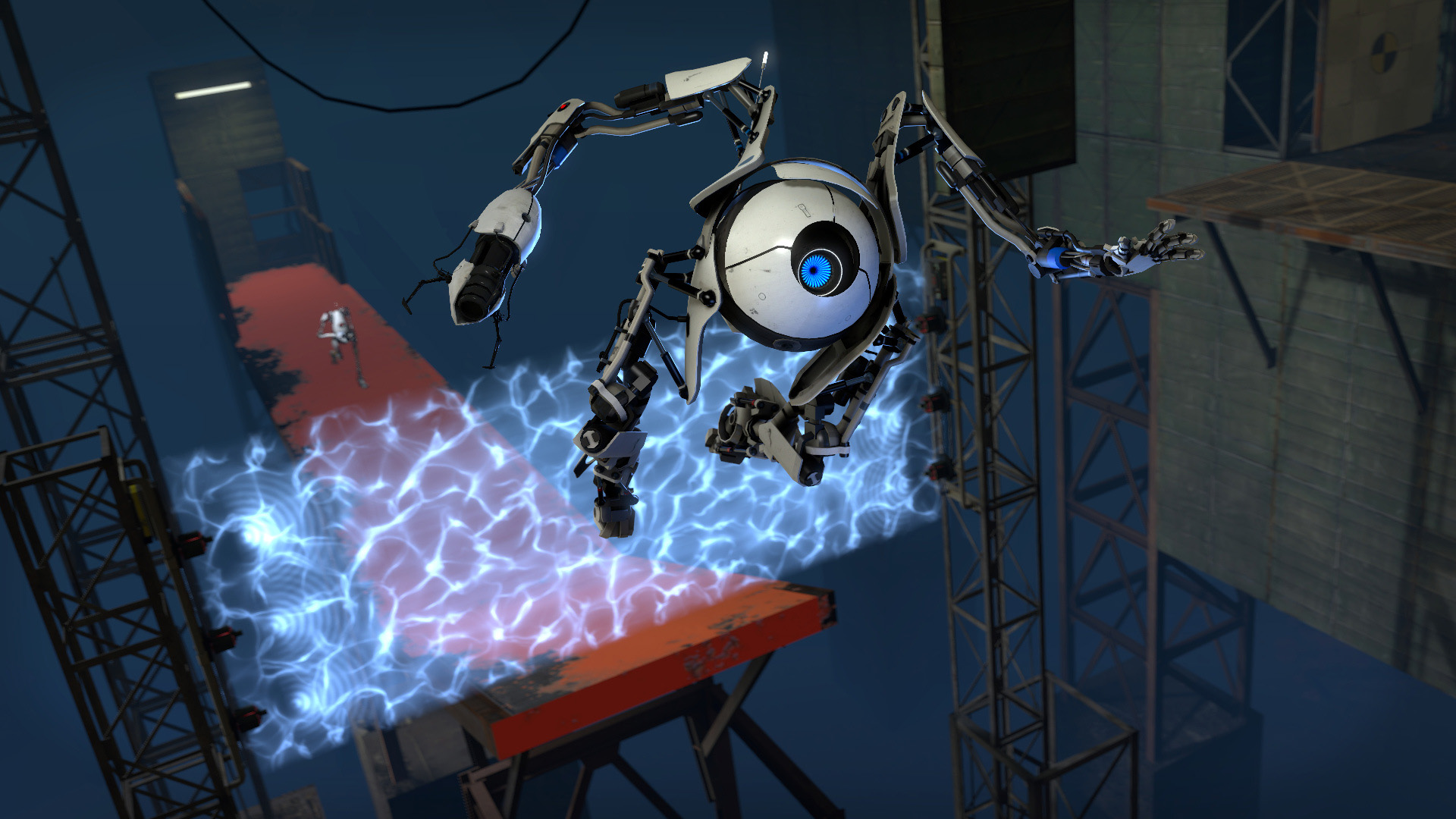
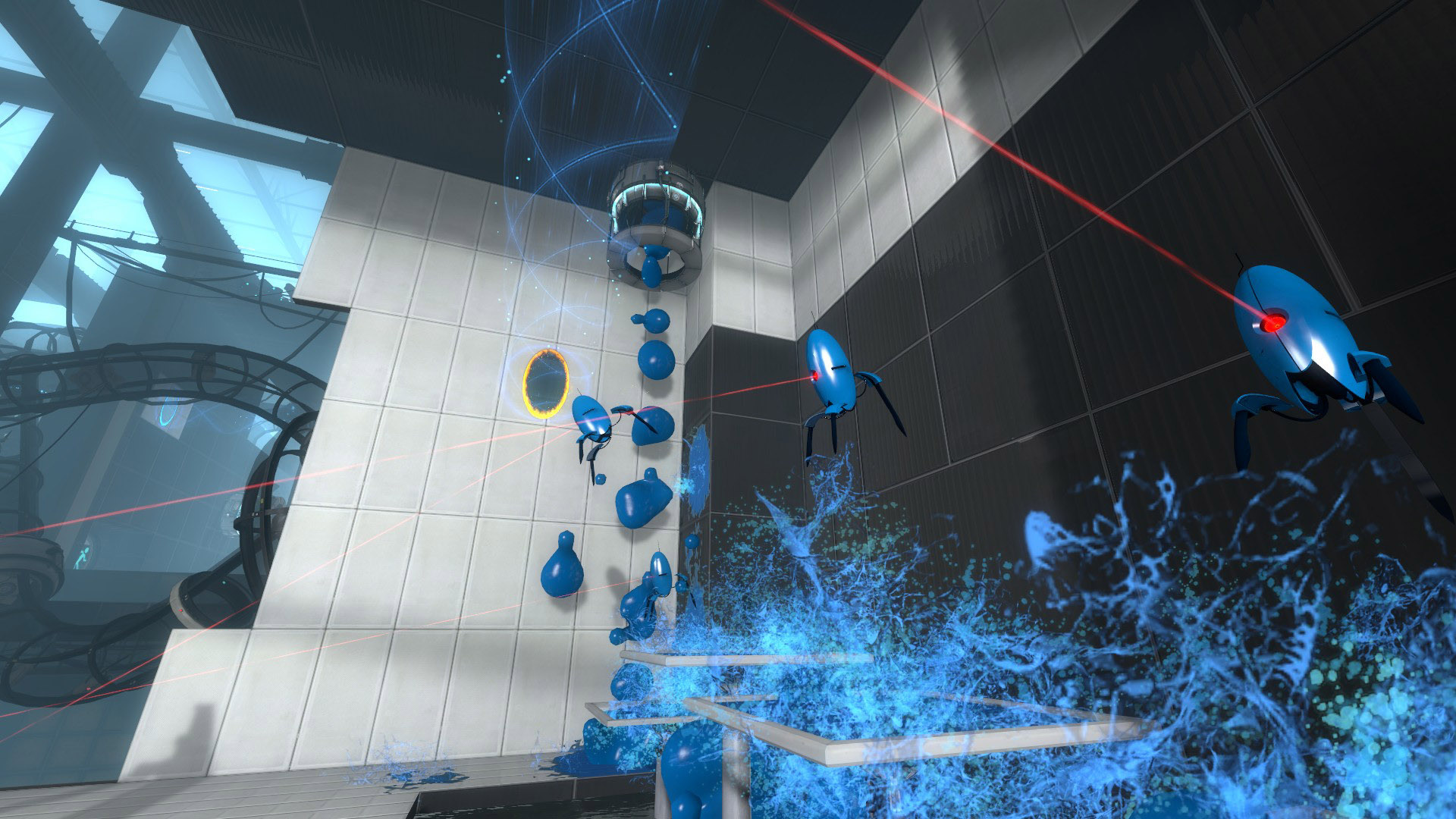

Portal 2


Portal





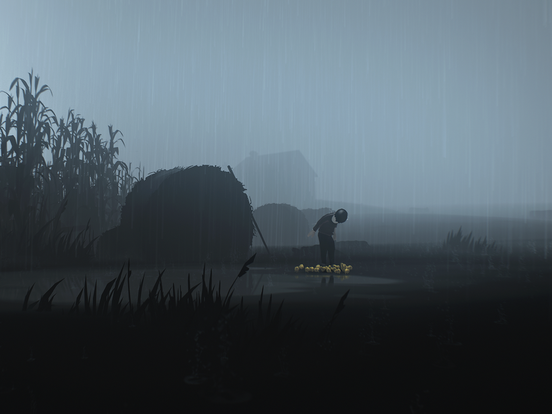

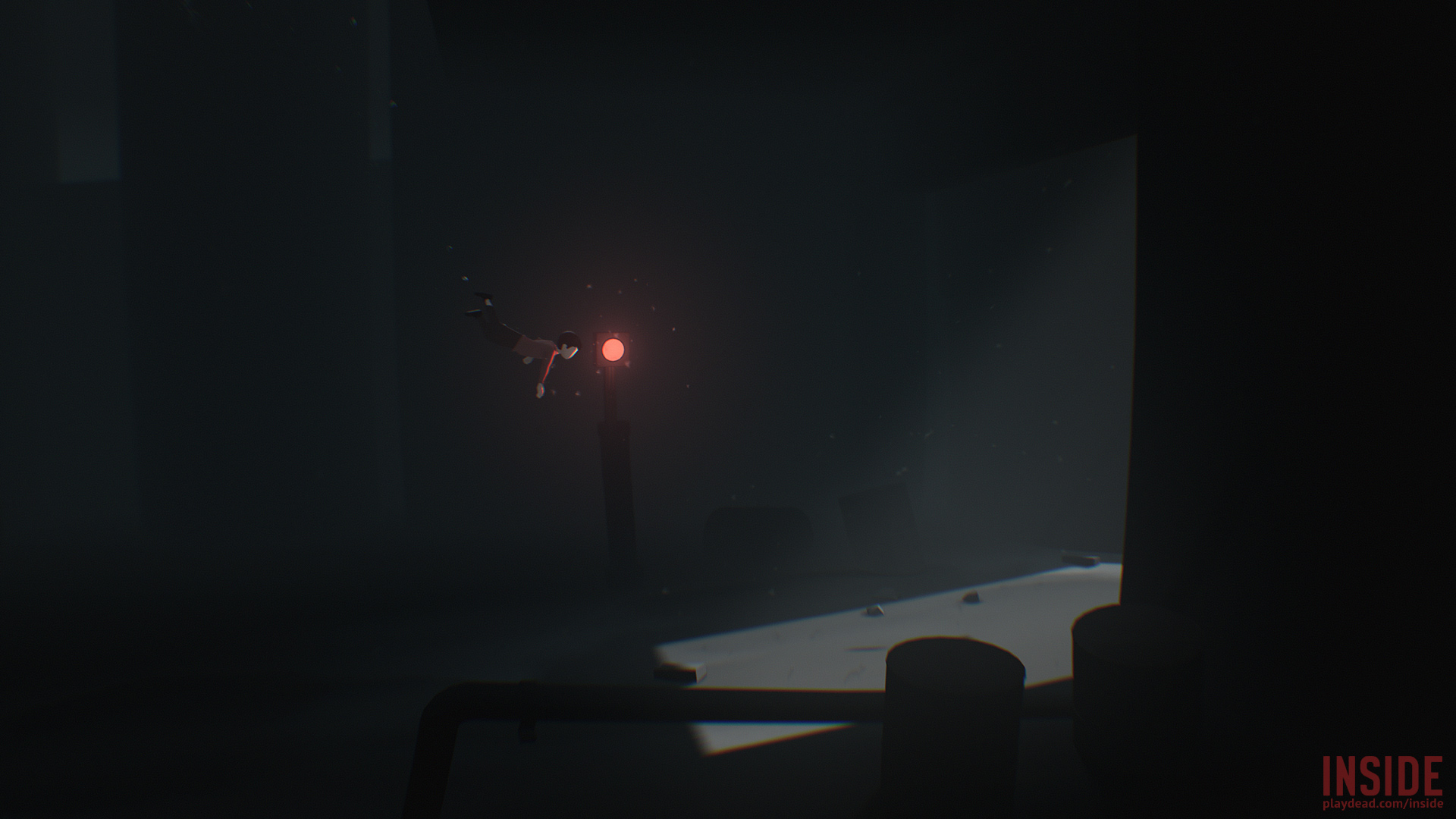

Inside
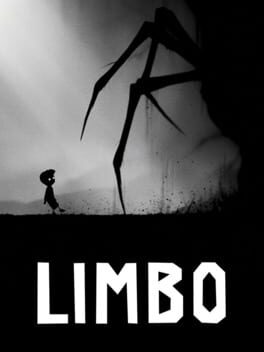

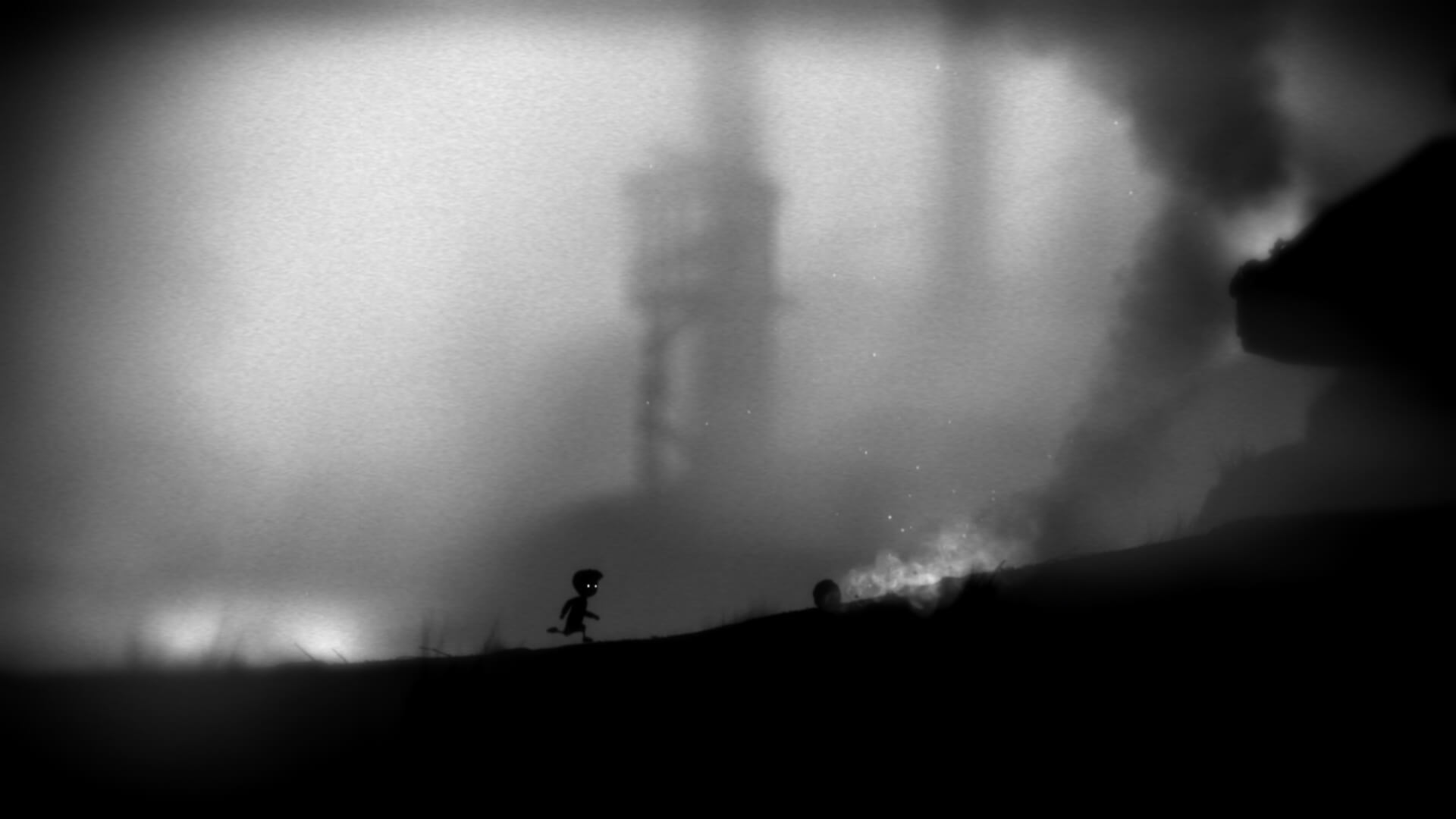

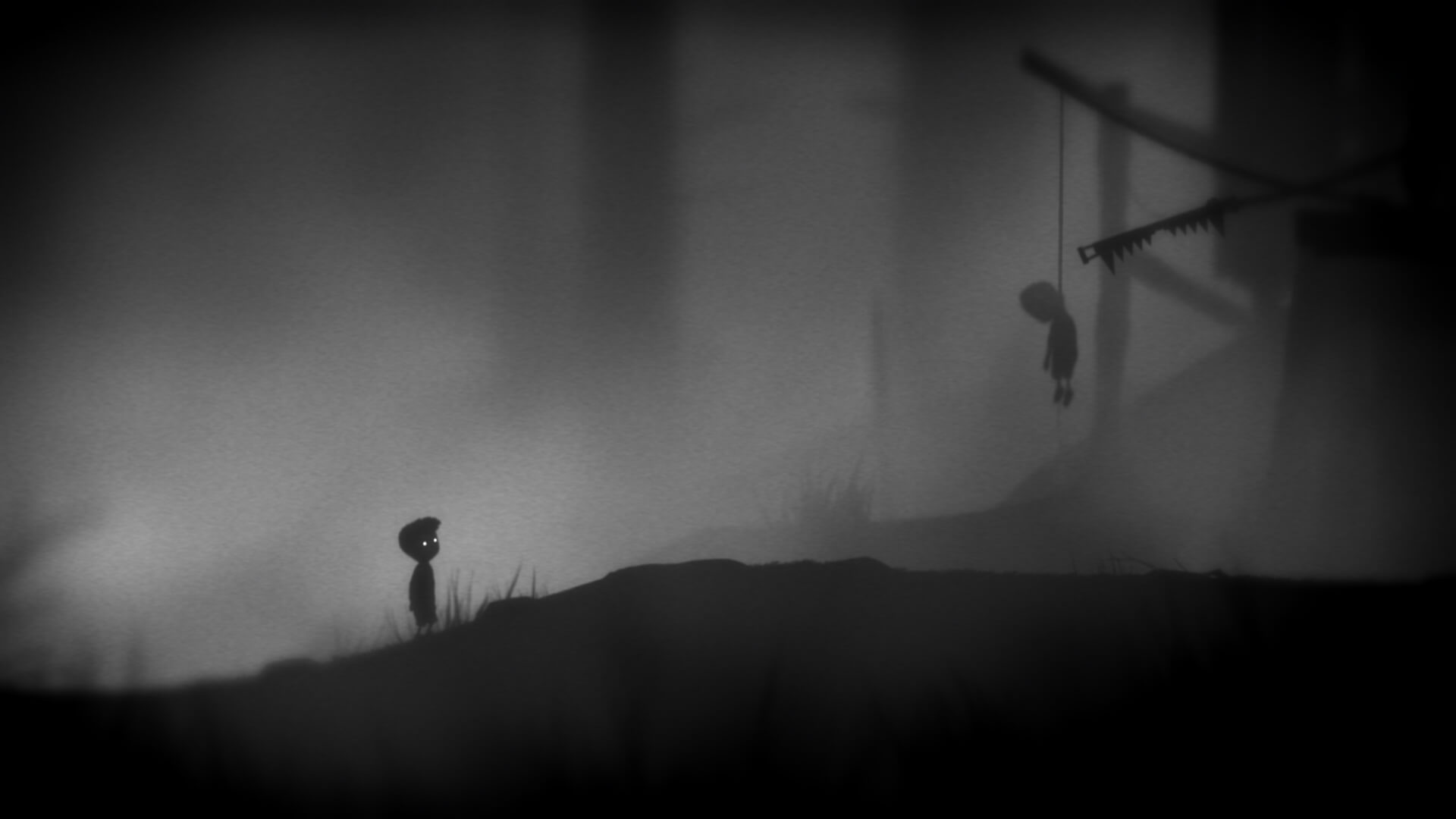


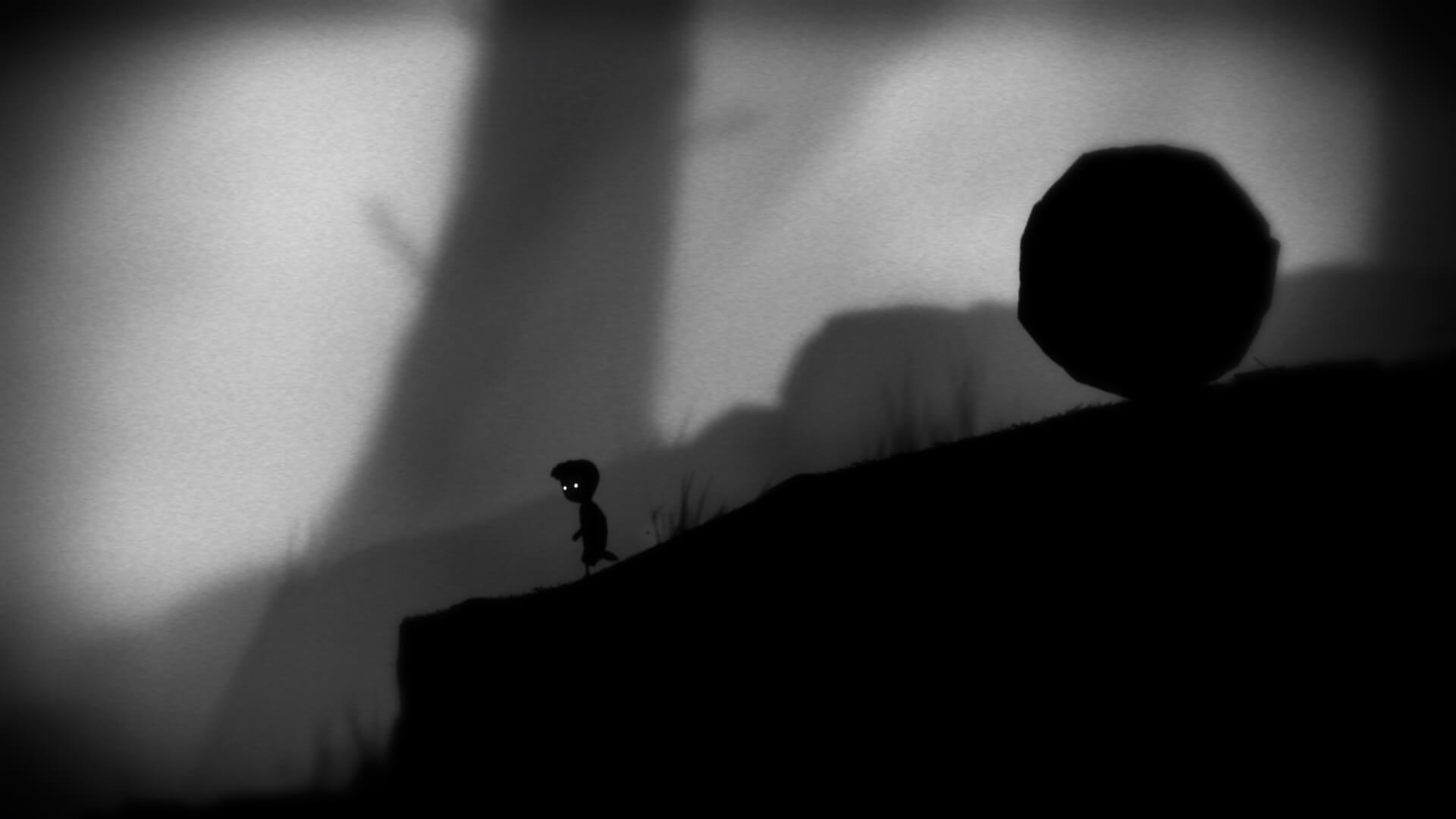




Limbo
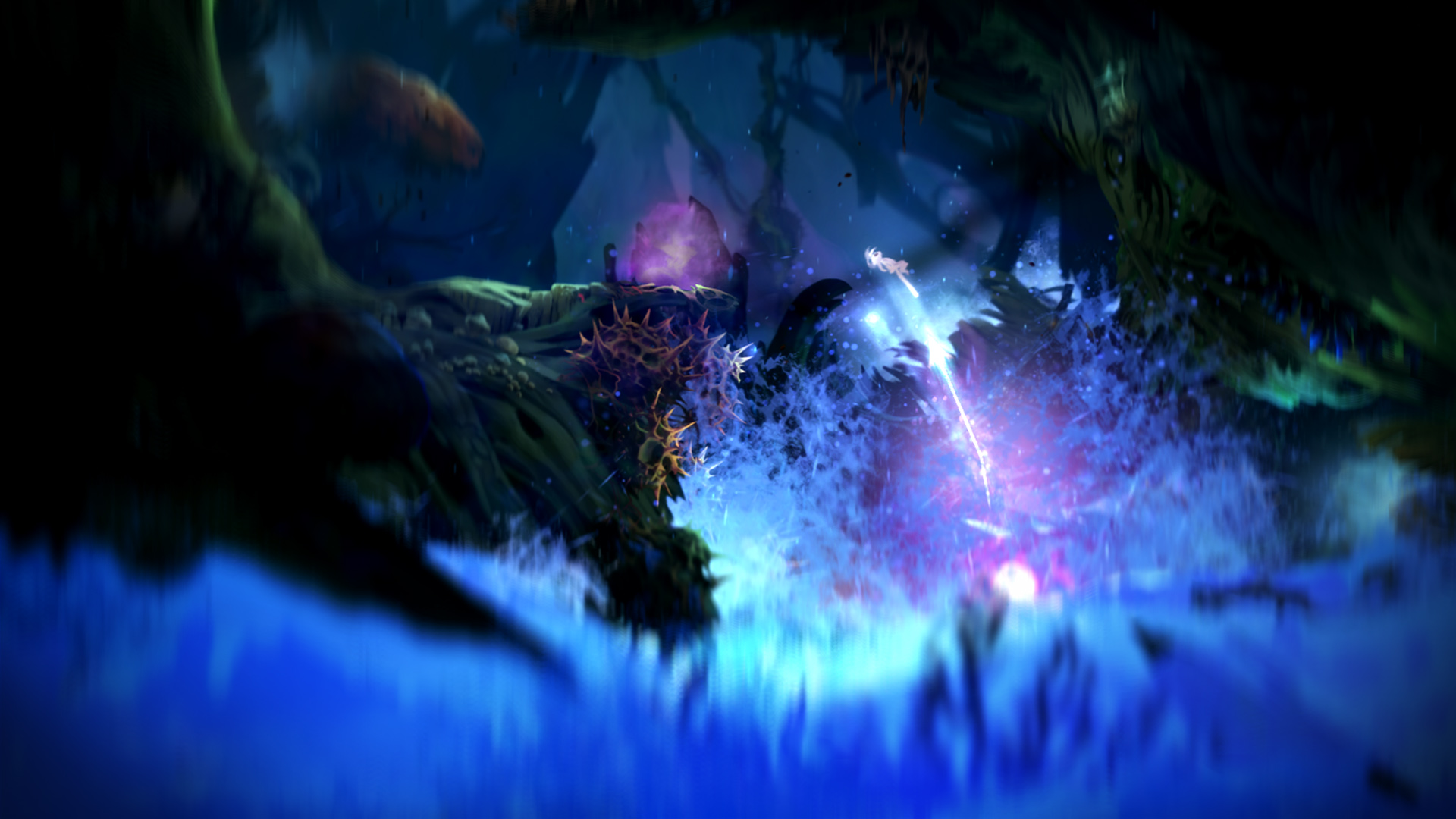
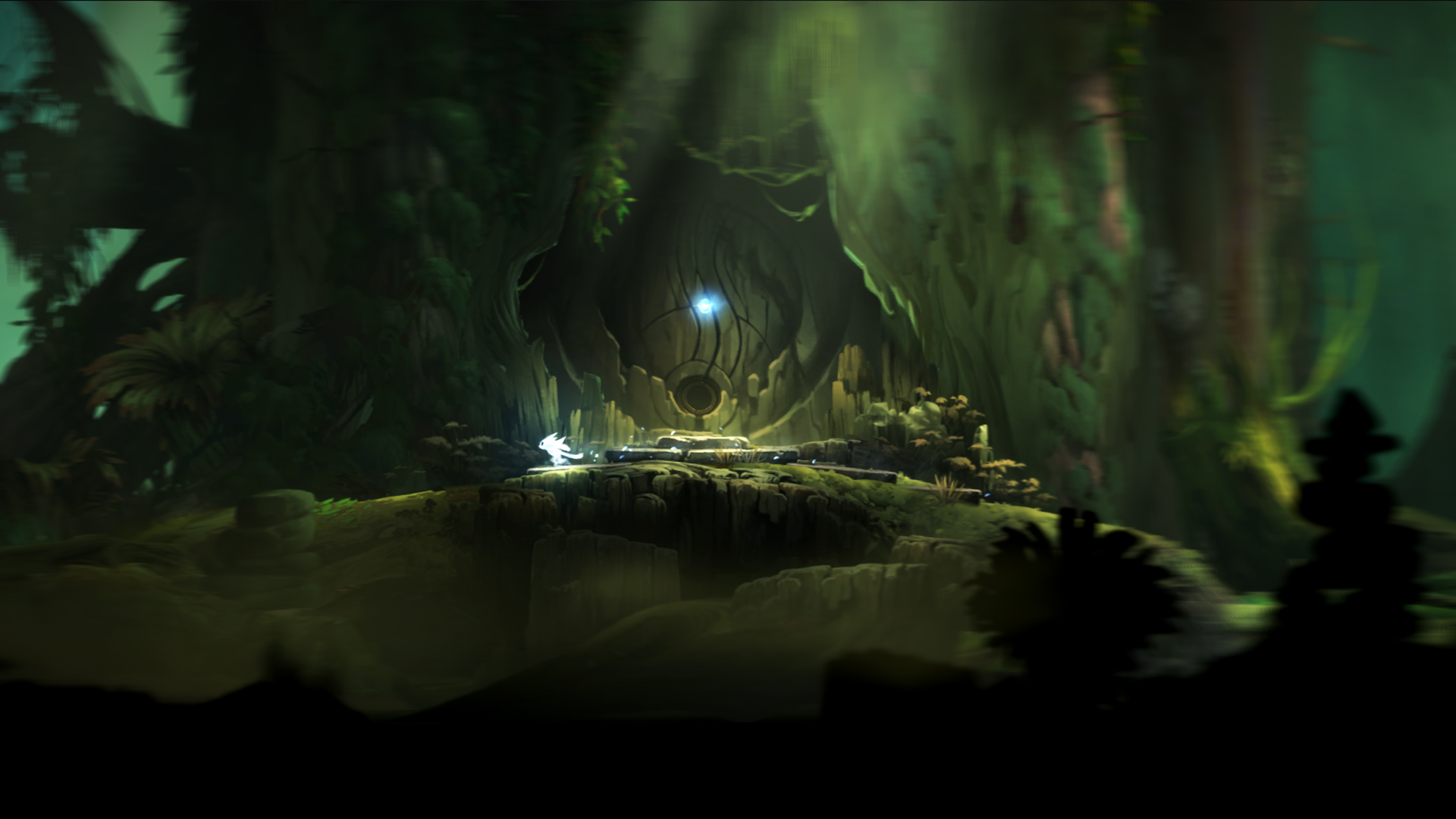
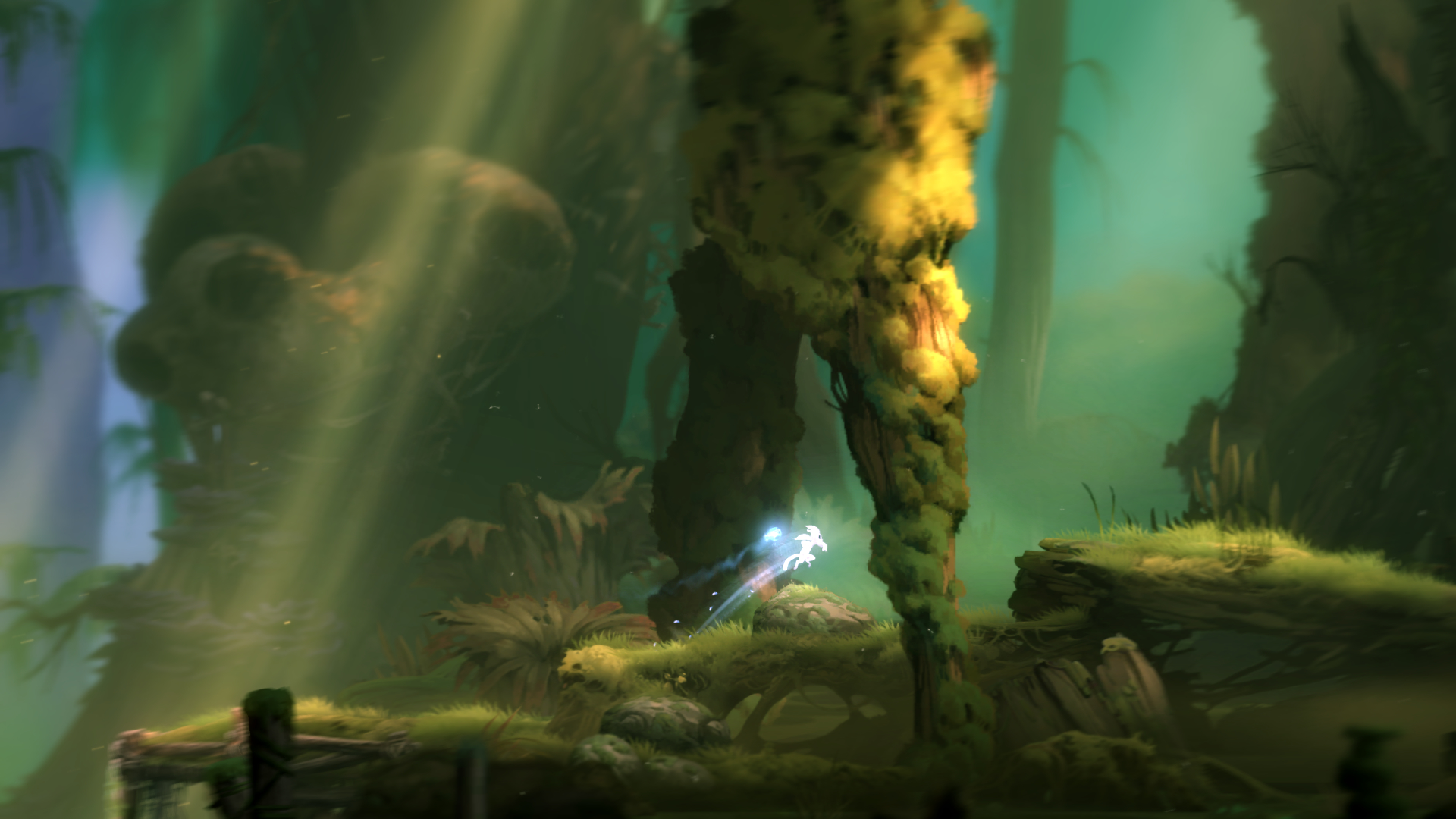

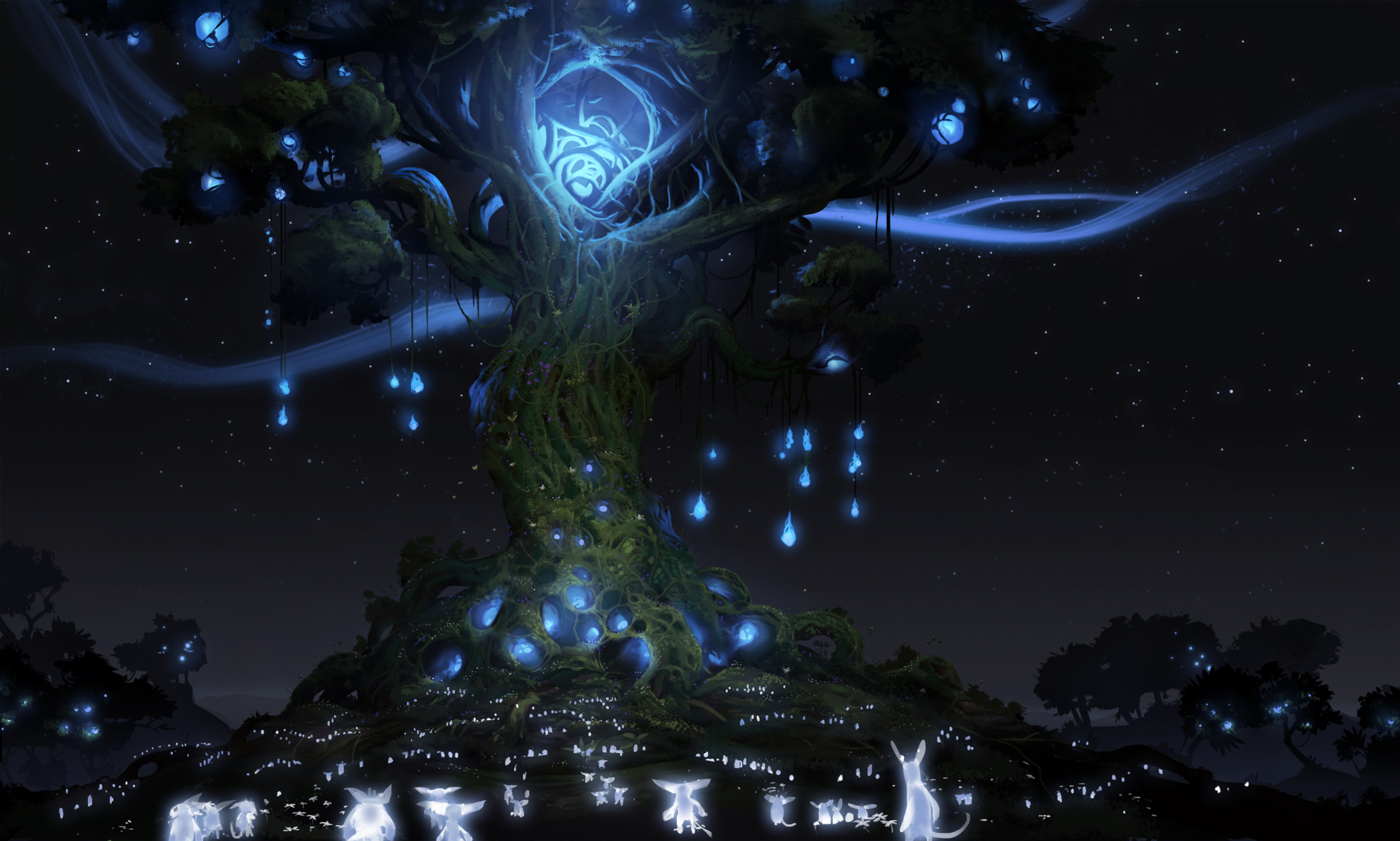

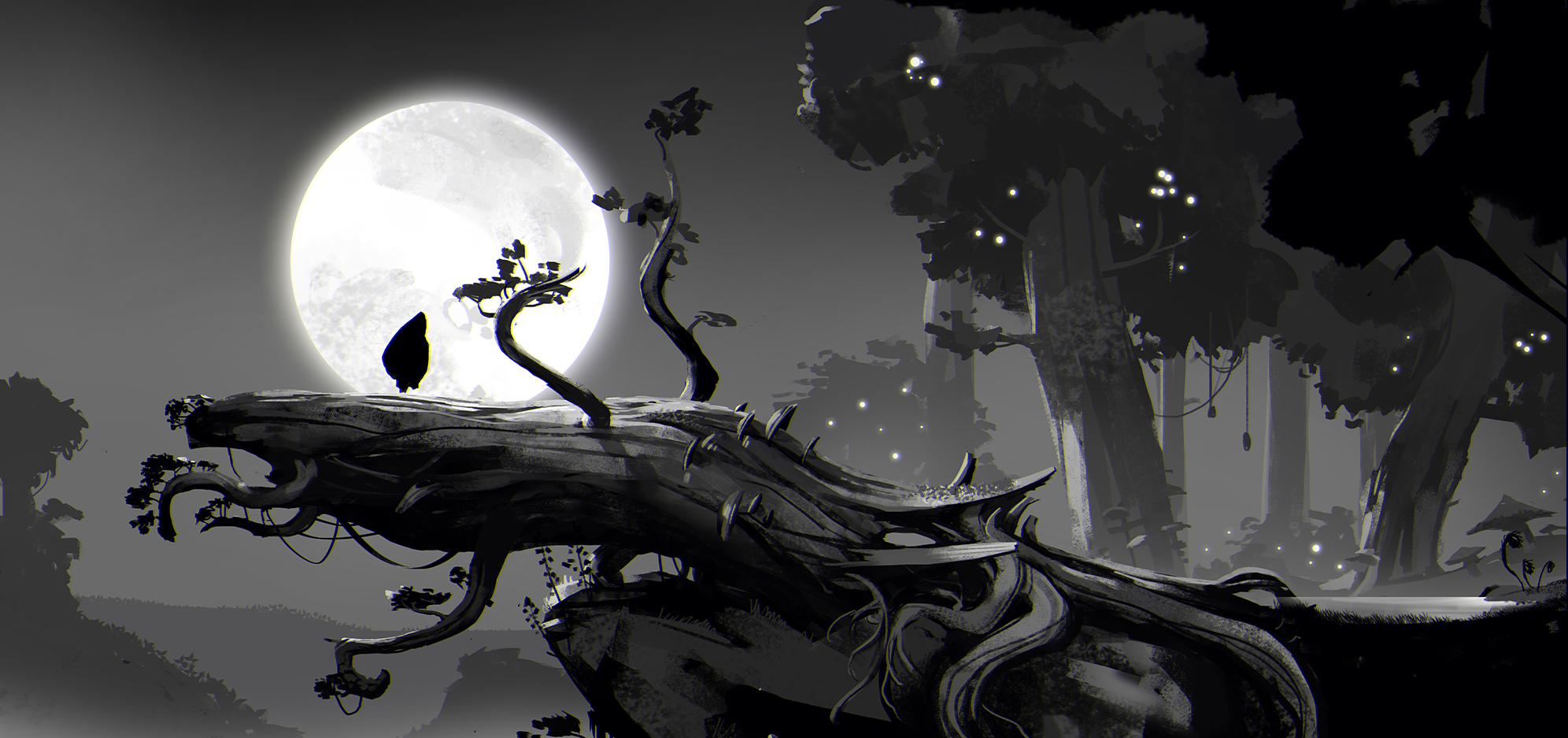
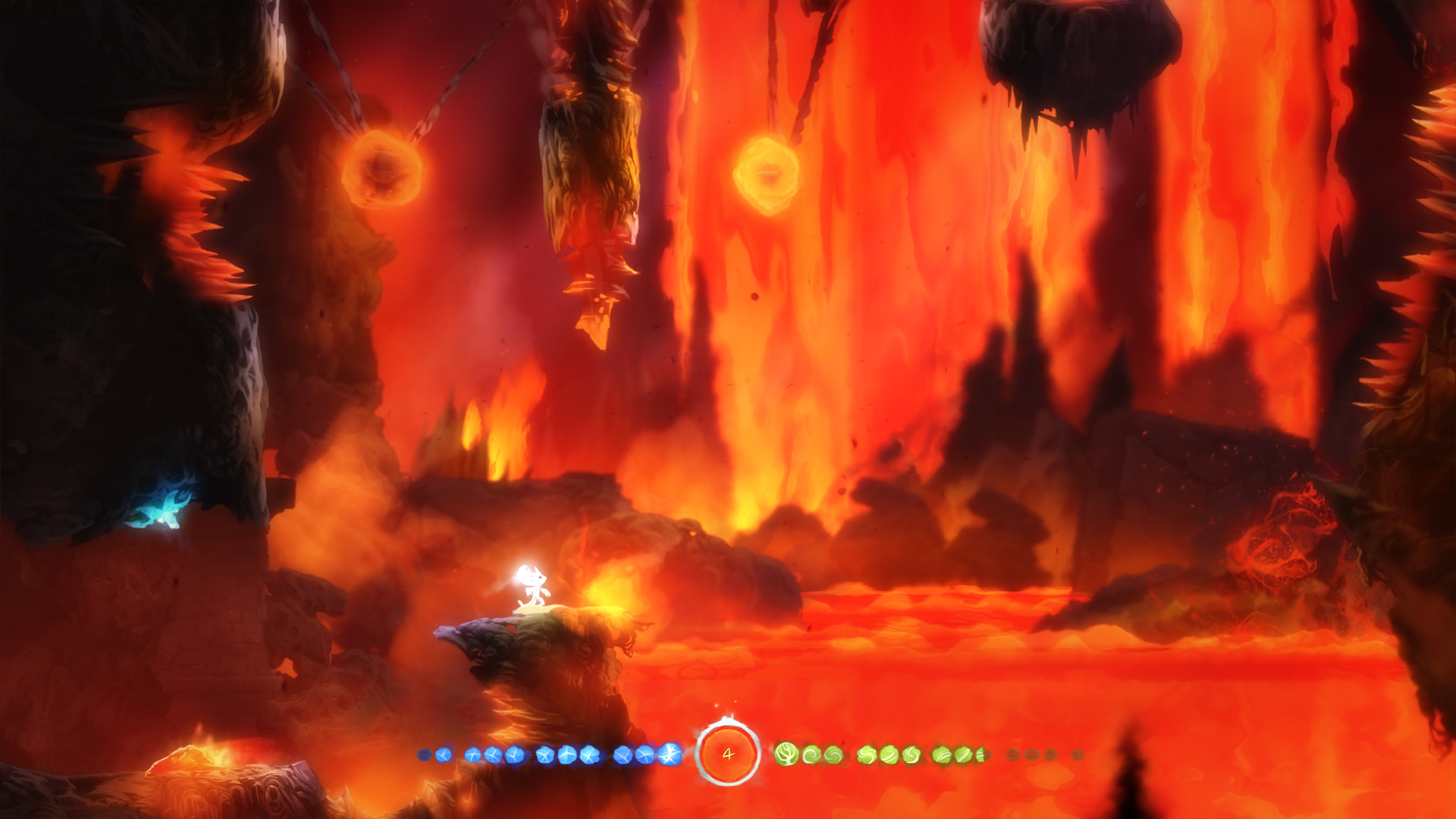

Ori and the Blind Forest
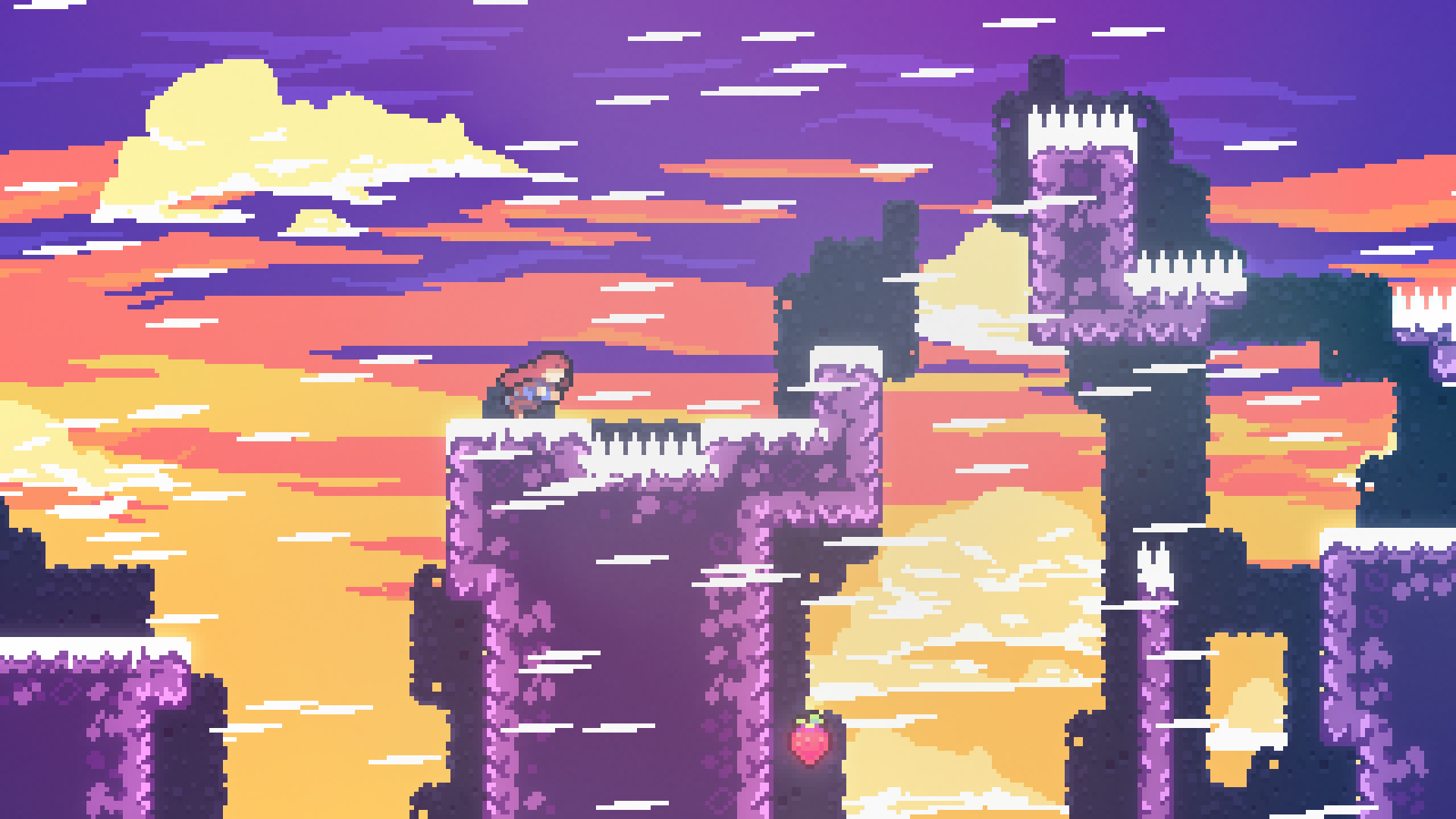
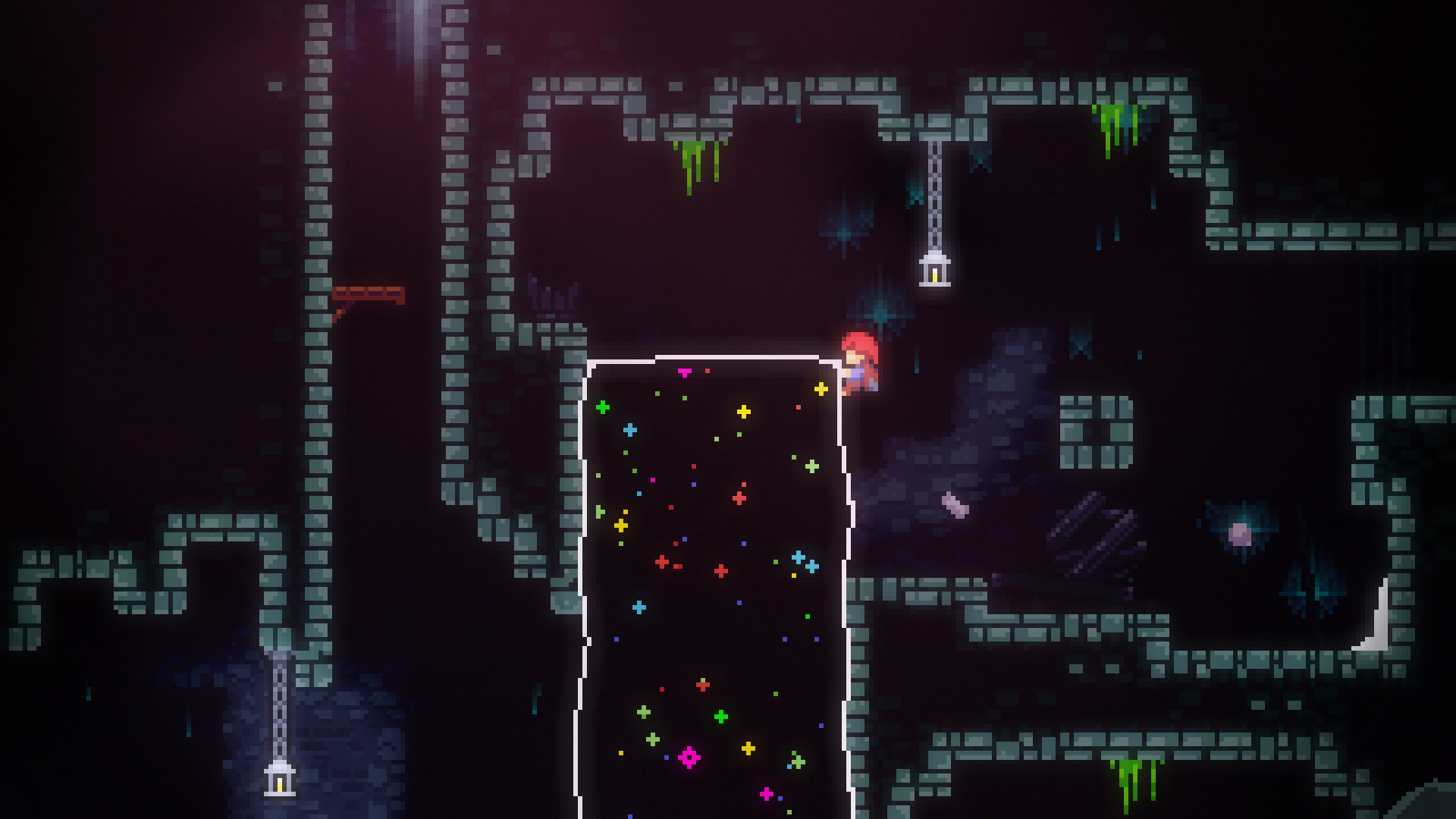
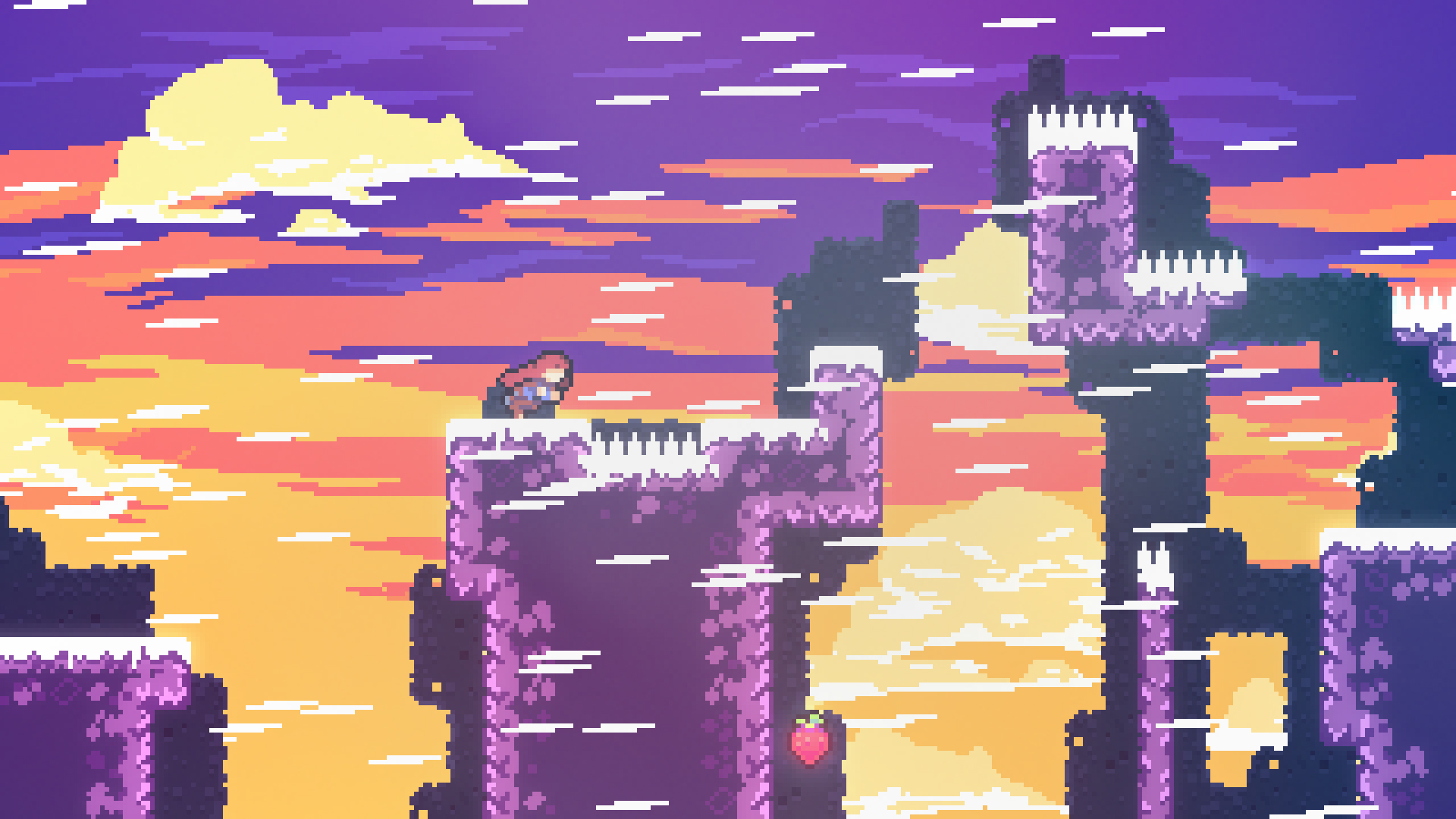
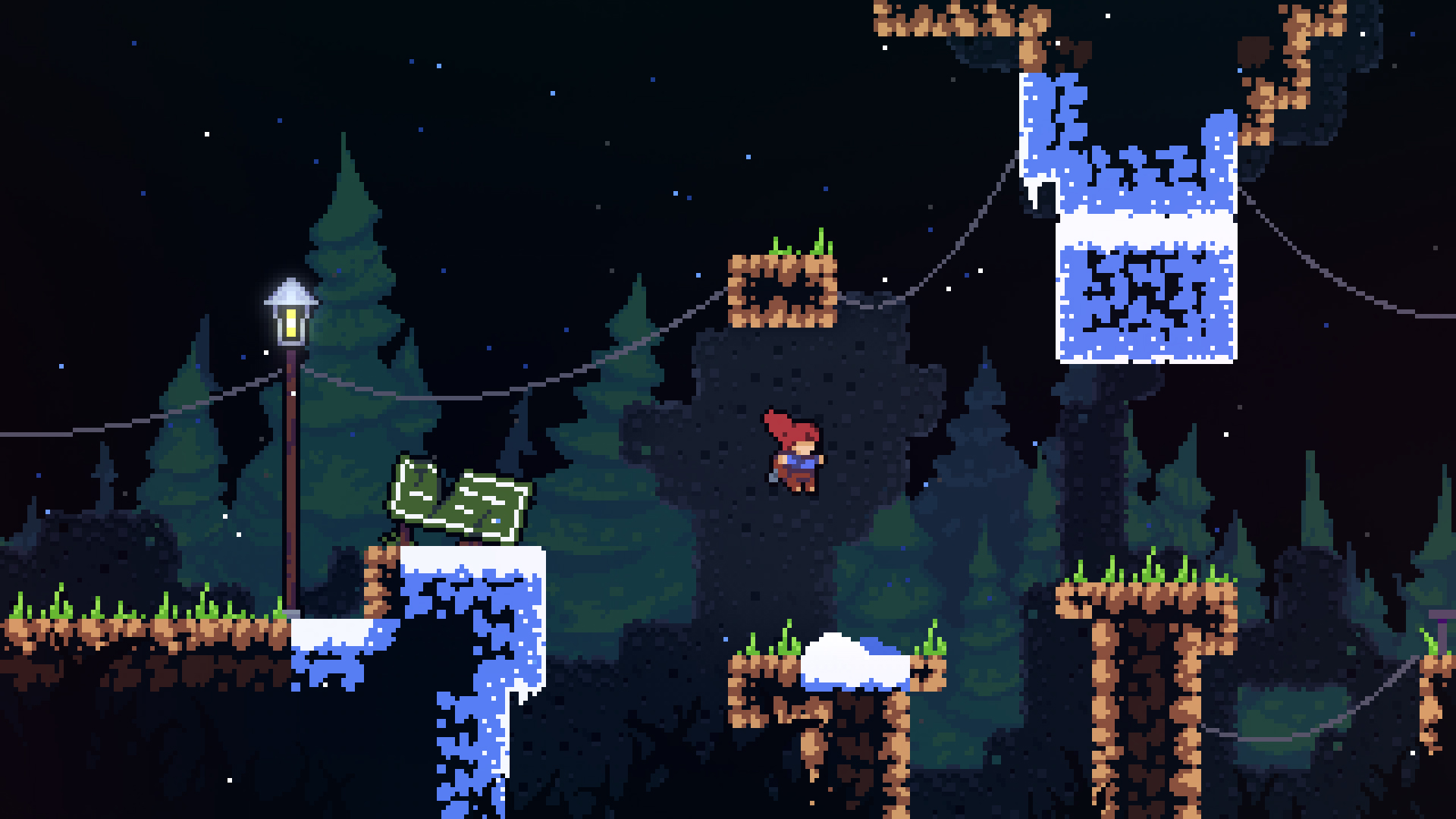
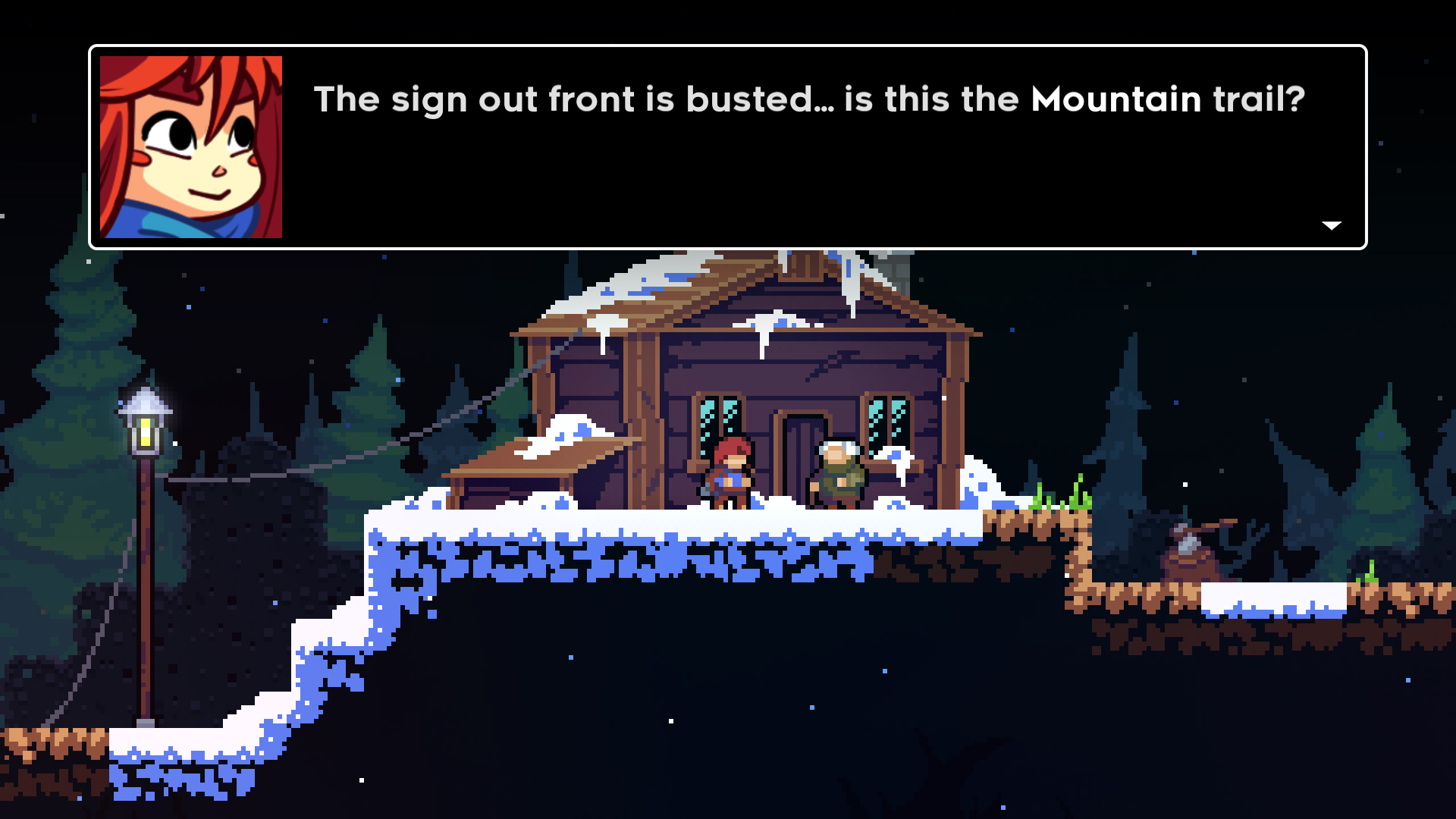
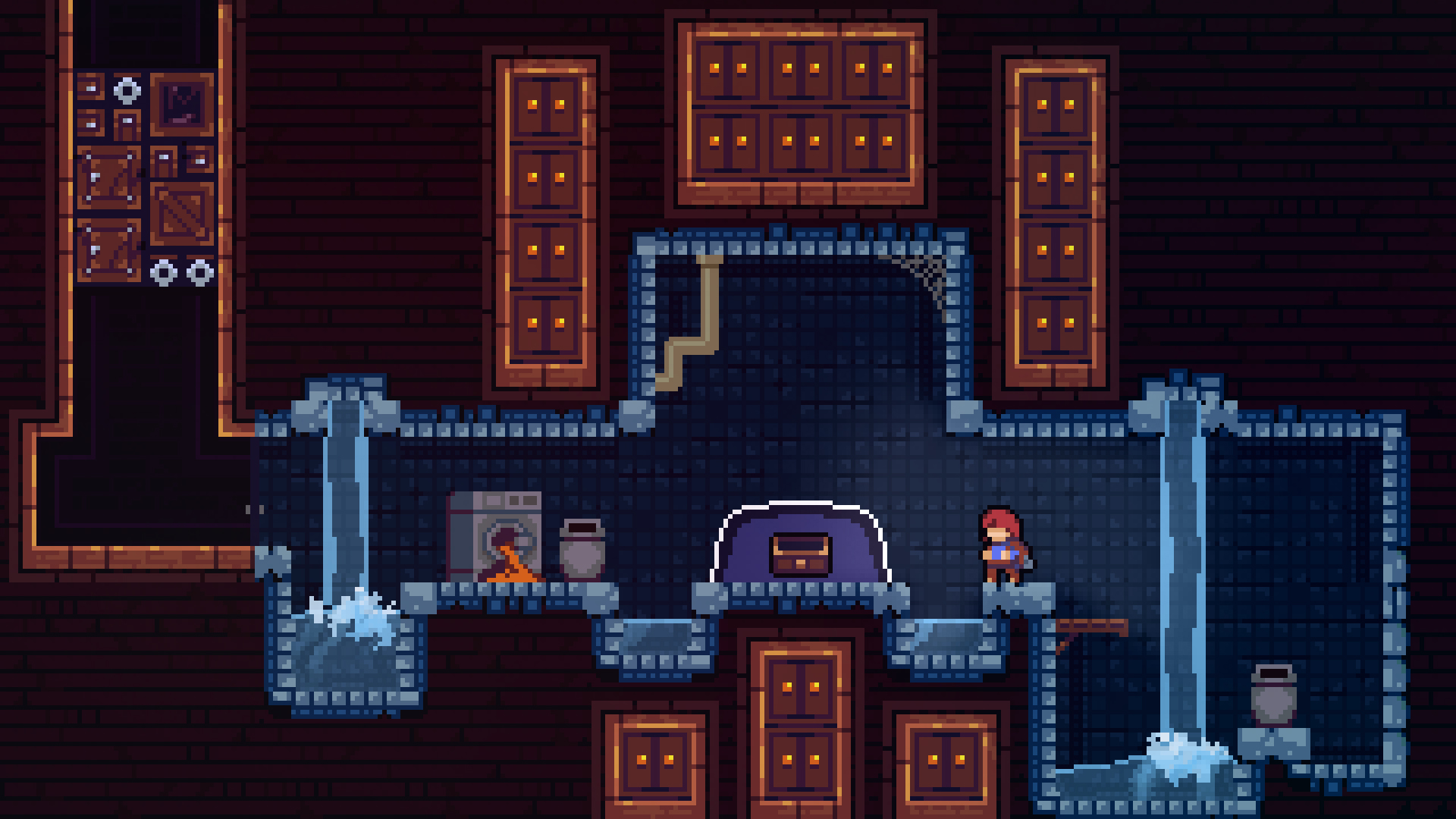
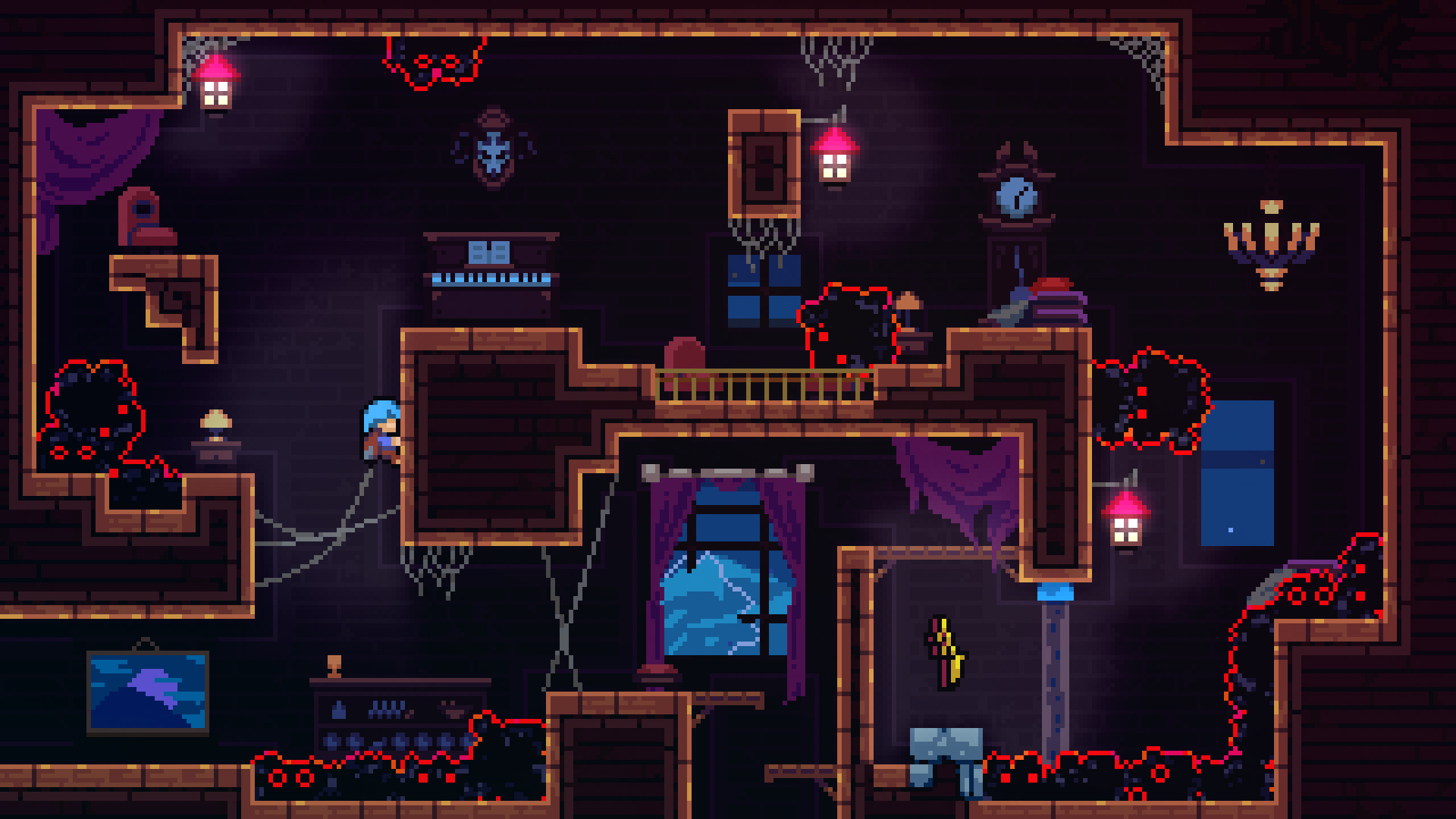
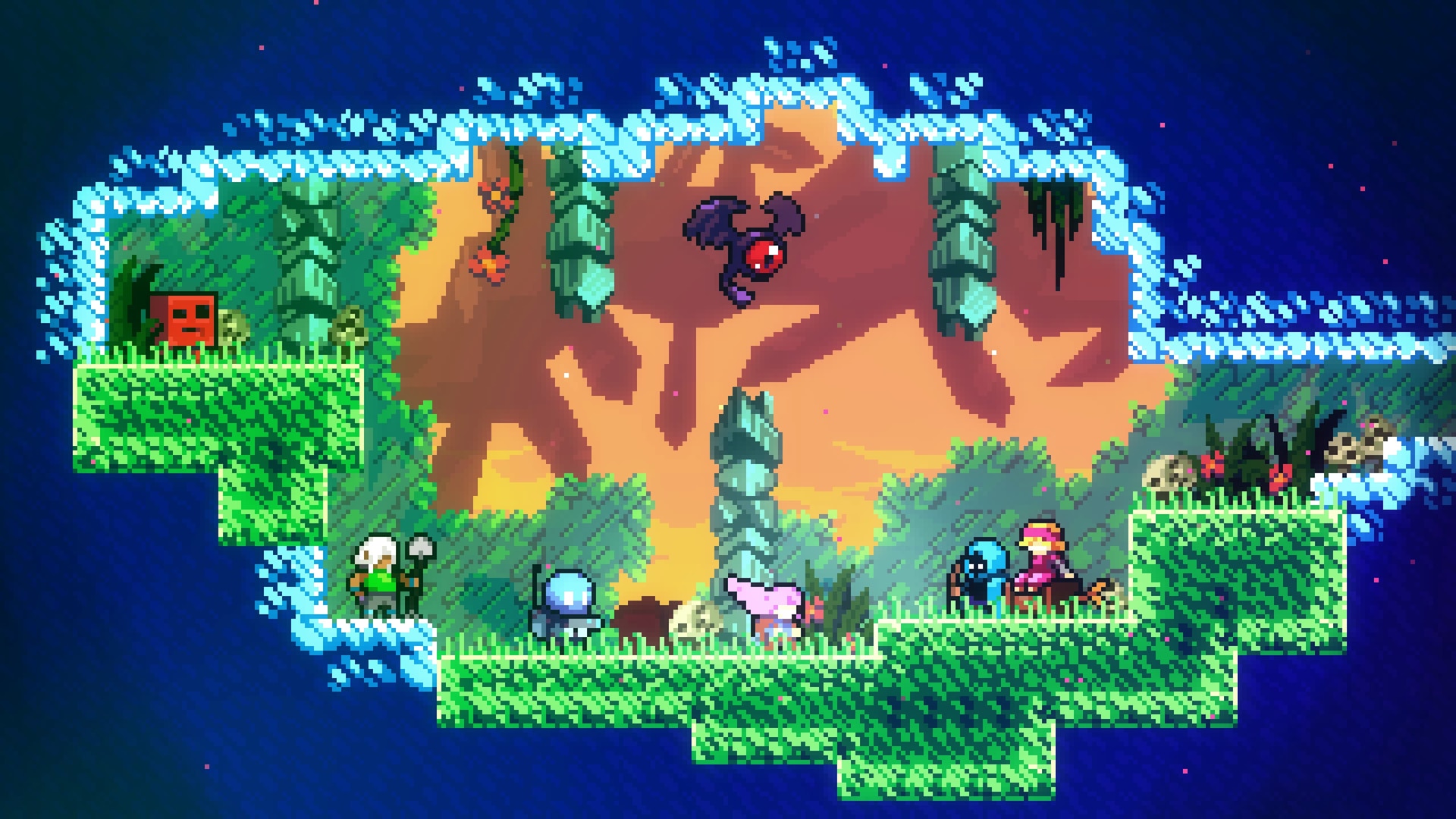


Celeste

Plants vs. Zombies



Braid



Rogue Legacy

Worms Armageddon


Overcooked!