Dark Eden Origin
Genres:
Themes:
Game Modes:
Description from Steam STEAM
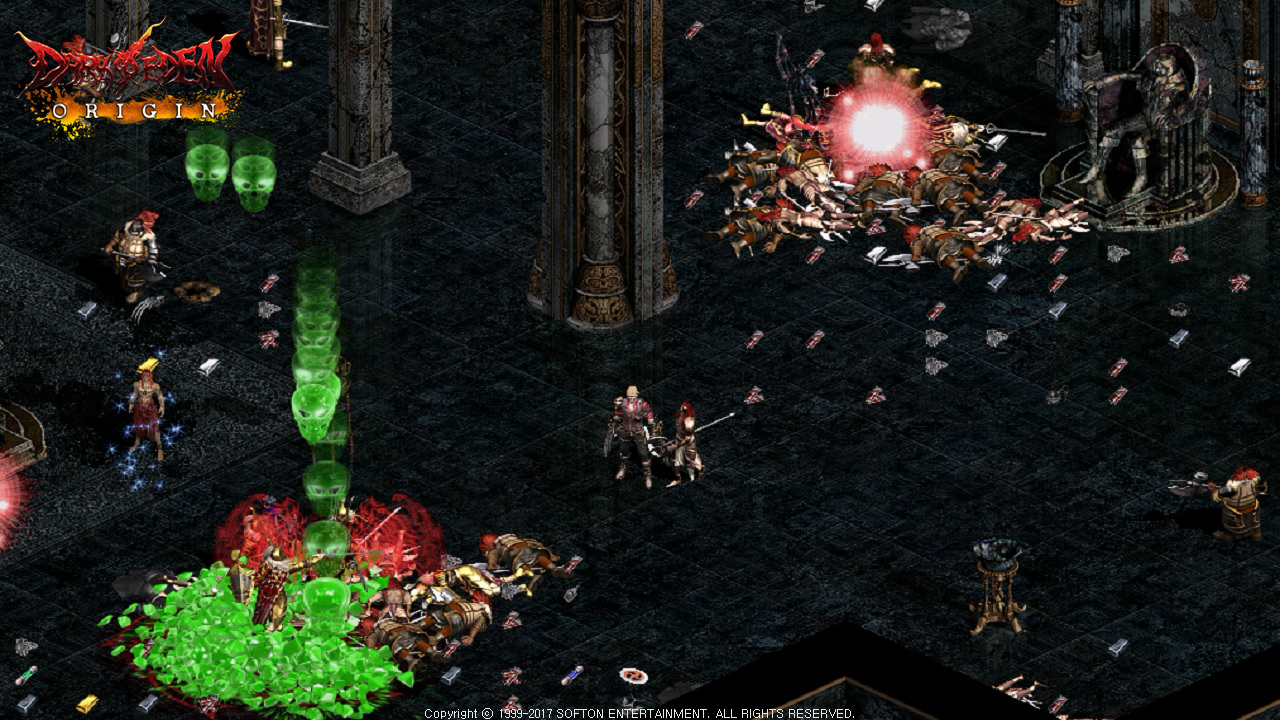
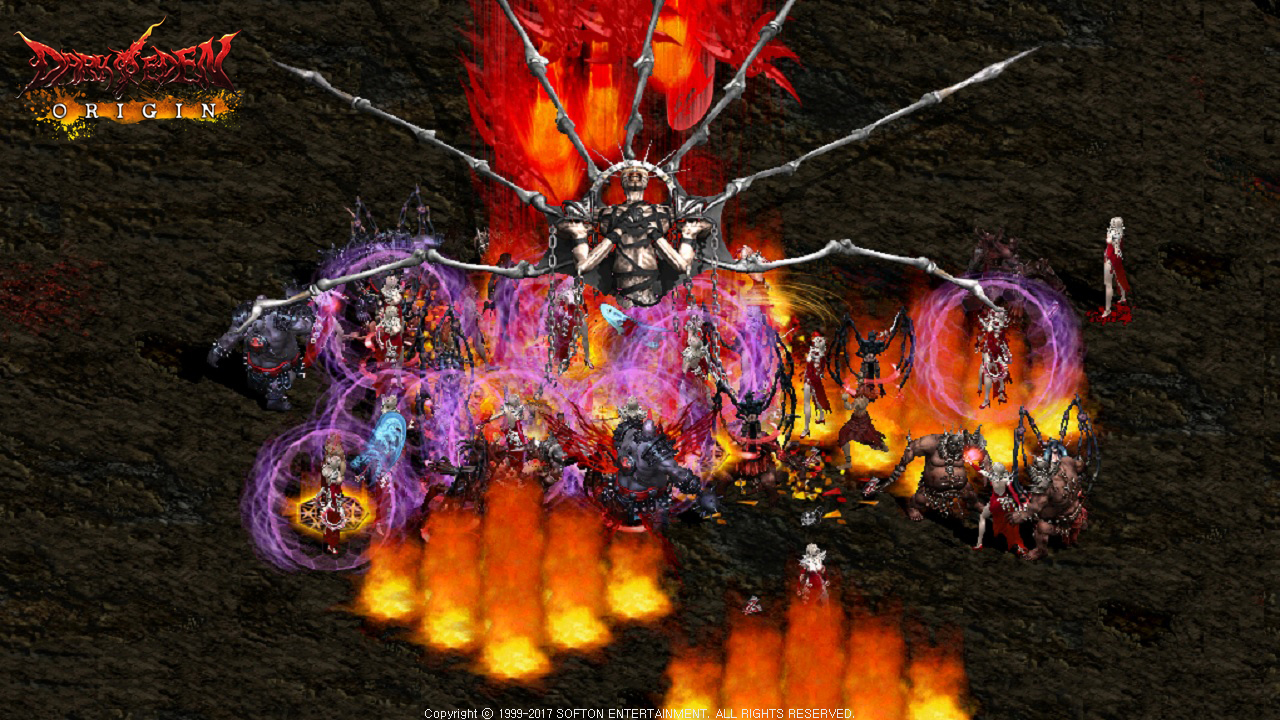
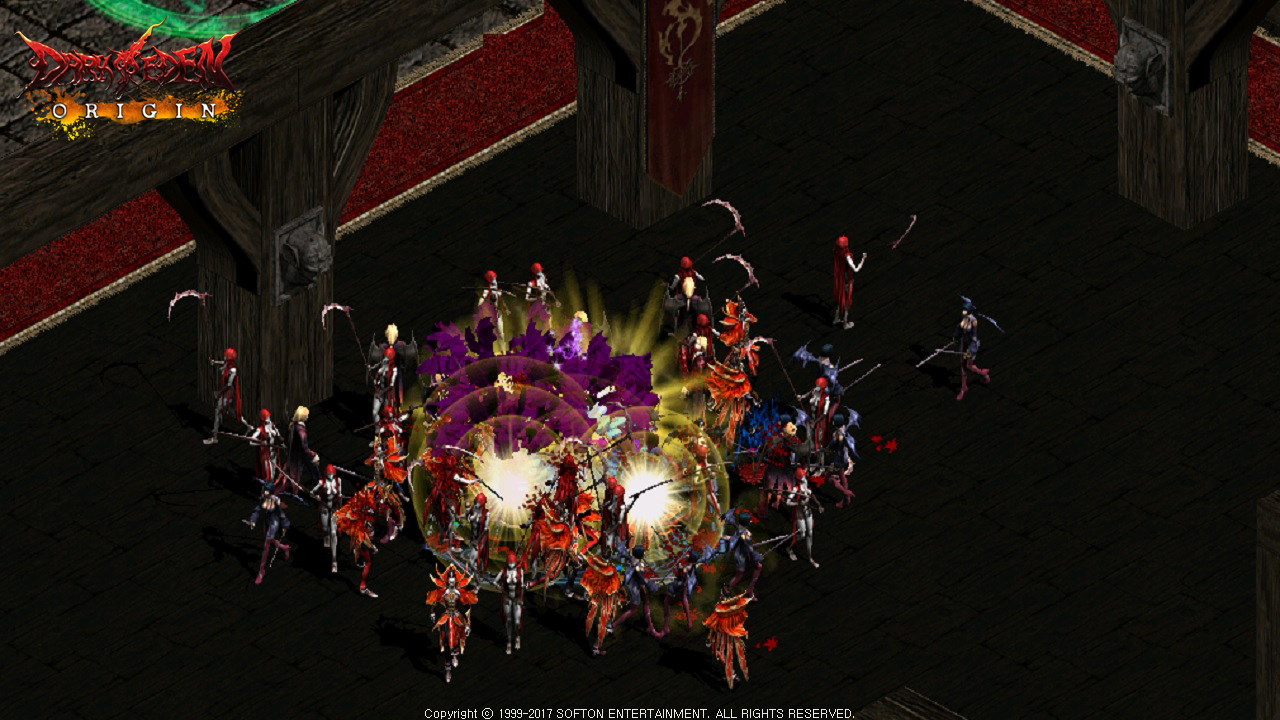
(Features) Dark eden origin is an online MMORPG game of battle between vampires and humans in a highly developed industiral society. Two races on one path to Holy book of Blood. Slayers, one who wants to stop the destruction of human race, Vampires, one who wishes for eternal life after unseal themselves, are the choices for your play. Enjoy the brutal battle between two races awakend with mysterious power after the world gone to sleep with extinction of civilization. Path towards the victory is on your hand. [Slayer] Control the bloody orgy Human are the god’s new creature. The group combined with human’s intelligence and technology, the slayers, were to fight against the vampires, who admires strength of the god and created a new world. Slayers builds various types of weapon and strong defence power to fight against vampires. Power of individuals may be weak, they can show their real worth when individuals in different professionals are combined. They have prde in having a pure blood that god created and uses it to protect their field and honor themselves. [Vampire] Another chance for eternal life With the temptation of demon, Lylis, who once was human, got drunk with fruit of blood and gained the god’s knowledge from no-go tree of god turned demon. Captured with such desire, she created her own world, the vampire. Vampires have single, non-complicated battle system, but has very strong individual strength with various abilities due to getting blood from the god. They attack slayers at the right place and right time using their special abilitiies. They wish to have eternal live by conquering the holy book of blood, and raises human to use as their prey. B. Create/Delete Character (Create Character) 1. Enter [ID and PASSWORD] of the account registered and click [Login] button. 2. Register [2nd password], enter the password and click confirm button for safe game play 3. Choose world and channel for playing game 4. Choose and double click place for creating character or click [Create Character] button. * You can create 3 characters at maximum in an world. 5. Set race, name and gender of character then click [Create Character] button. * Character’s name should be within 5 and 10 worlds for Korean and English respectively. * Ousters do not have gender. (Delete character) 1. Choose character to be deleted and click [delete character] button. 2. Enter registration number of the account and click confirm button to delete the character. * The deleted character can be recovered within 15 days from the deletion. Items and game money cannot be recovered therefore carefully delete the character. C. Game Control (How to control) Use mouse and keyboard shortcuts for easier game play! (Mouse control) You can get item, move character and follow subject by using mouse. (Keyboard control) You can play the game faster by using various shortcuts for control therefore play the game more conveniently. * You can change and use keyboard shortcuts to be your taste. 1. You can check shortcuts through game menu (ESC) -> change option -> game setting -> keyboard setting. 2. You can modify and change shortcuts to be your taste in keyboard setting. - Keyboard shortcuts * When chatting screen is closed, you can use it as shortcut apart from [Ctrl] key. - Keyboard shortcuts Shortcut Usage ALT + TAB Logout window Esc Game menu Ctrl + H Help guide Ctrl + Tab Equipment screen Tab Bag (inventory) Ctrl + M Mini map Ctrl + I Character information Right Ctrl + Subject for checking information See character information Ctrl + K Skill information Ctrl + S Open skin icon screen Ctrl + C General chatting Ctrl + Z Zone chatting Ctrl + A Party chatting Ctrl + G Guild chatting Ctrl + T Channel chatting Ctrl + W Whisper Ctrl + E Chatting screen Alt + Click subject for trade Trade Right Alt + Click subject for making party Make party Ctrl + P Party screen Shift + Click subject for attack Forced attack Left, right Alt Check dropped item Ctrl + ~ On/ off quick item Ctrl + click subject for following Follow the character selected Ctrl + V Change shadow display option Scroll Lock, Print Screen Screenshot 1 Offensive Berserk 2 Defensive Berserk 3 Multiple Berserk Q Quest R The war of Holy book U Alliance Chatting P Party Screen F Conversation with NPC L Equipment Swap N mini Map M world Map / Pet Info Space Call Pet Page Up Chatting Change Page Down Chatting Change - Chatting shortcut command Enter each command on chatting screen I.e.>enter [/c] then enter your saying for general chatting. Shortcut Usage /C General chatting command /Z Zone chatting command /P Party chatting command /G Guild chatting command /W Whisper command /U Alliance chatting command /BGM BGM on / off /Sound effect Sound effect on / off /Chatting guide, /? See chatting guide /Help, /help, /H, /help See basic help guide /Where, * where Check server where certain user is logging in - Shortcuts of each race Click skill icon and put mouse point on the skill for appointing the number of skills. Race Shortcut Usage Slayer F1 ~ F8 Belt shortcut You can use the shortcut by using belt item. F9 ~ F12 Skill shortcut You can appoint and use skills by using shortcut. Vampire F1 Shortcut for using serum(recovery) item Items such as serum in inventory are automatically registered and you can use the item. F3 ~ F12 Skill shortcut Appoint and use skills by using shortcut. Basic interface Learn the whole structure of interface of Dark Eden Origin. * All interfaces apart from mini map and skill screen can be moved. No. Usage Contents 1 Buff screen Status-related spells applied to the character including buff and debuff are displayed. 2 Chatting screen (Open: Enter) Chatting mode setting or the contents of chatting you or the other user entered. ※ You can check the previous contents by using mouse wheel or scroll bar on the right side of chatting screen. 3 belt slot screen It displays when slayer wears belt items. ※ vampire race does not apply. 4 Information screen It shows time and experience point in the game. 5 Insane gauge A(Attack insane mode): this mode is charged by attacking, special abilities including sucking blood. D(Defense insane mode): this mode is charged from attack by the others. P(Party insane mode): this mode is displayed in party status only and is charged from attack by the others. 6 Status gauge Character level and status are displayed. Slayer : red: HP(health point), blue: MP(mana point) Vampire : red: HP(health point) 7 Quick item slot screen Item and skills registered in belt and arms band screen are displayed. 8 Quick skill screen Currently activated skills are displayed. You can check or appoint the skills you learnt by clicking the skill. 9 Mini map (Shortcut: M, Ctrl + M) You can check the current location. ※ Green zone is safe zone and +on the map is NPC. 10 Game menu screen The game menu at the bottom is displayed and opened by clicking this menu. Menu Game information You can open my information, skill information, quest, pet information screens Guild You can open guild information, guild list, awaiting guild and guild member. Community You can open friends list, party screen and letter box. Store You can open Daden market, personal store and shopping list. Help You can see basic help guide Etc. You can change option, logout and finish the game.
Description from IGDB IGDB
Basic Info
Additional Information
Платформы 1
Genres 3
Themes 2
Game Modes 2
No Companies Available
Company information for this game hasn't been loaded yet.
Keywords